
What Is a Sprint Retrospective?
A sprint retrospective is a structured meeting where Agile teams reflect on their recent sprint, celebrate what went well, and identify improvements for the next one.
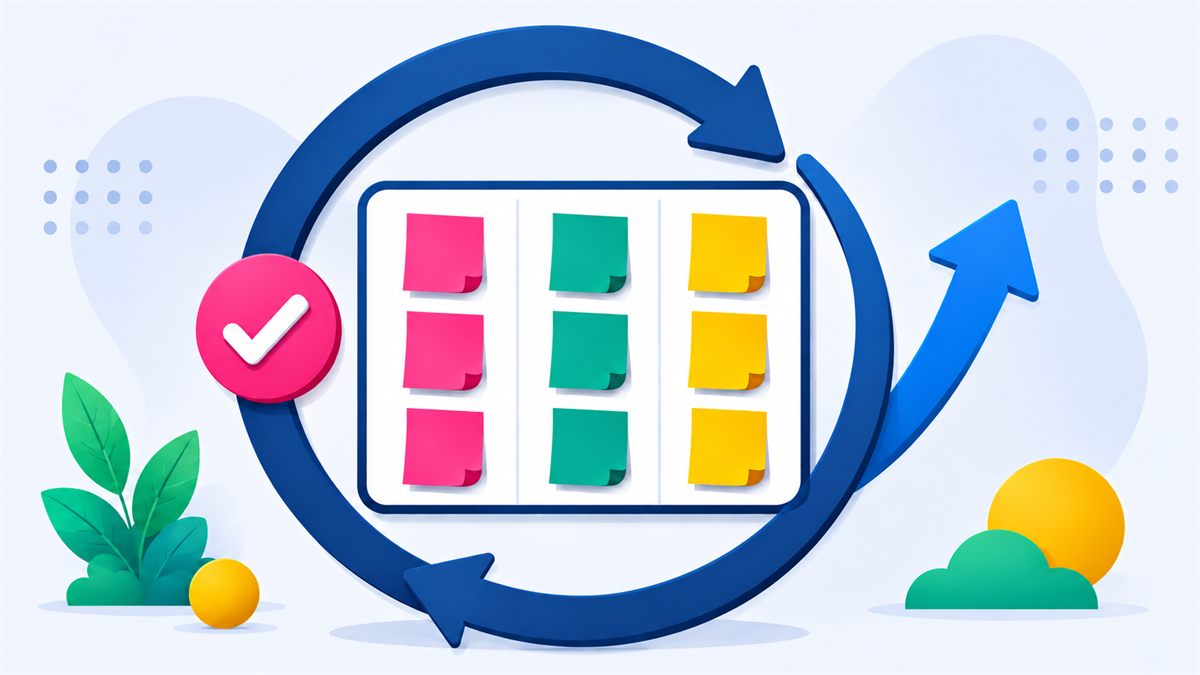
What Is a Sprint Retrospective?
A Sprint Retrospective is one of the five Scrum events. It takes place at the end of each sprint, after the Sprint Review. During the retrospective, the Scrum Team — the Developers, Scrum Master, and Product Owner — come together to reflect on how the team worked together and identify concrete ways to improve.
Unlike the Sprint Review, which focuses on what was built, the retrospective focuses on how the team worked. It is a safe space for honest feedback, healthy discussion, and actionable commitments.
The Scrum Guide recommends a timebox of three hours for a one-month sprint, shorter for shorter sprints. Most teams using two-week sprints run retrospectives between 45 and 90 minutes.
Why Retrospectives Matter
Without deliberate reflection, teams repeat the same mistakes sprint after sprint. The retrospective is the mechanism that turns experience into learning and learning into improvement.
Continuous Improvement
Each retrospective produces at least one actionable improvement — compounding over time into measurably better team performance.
Team Collaboration
Retrospectives build trust by giving every team member a voice. Shared ownership of improvements strengthens collaboration.
Transparency
Open retrospectives create a culture where problems are surfaced early and discussed constructively — not hidden until they become crises.
Better Sprint Planning
Lessons from the retrospective directly inform the next sprint's planning, leading to more realistic commitments and better outcomes.
Typical Retrospective Flow
Most effective retrospectives follow a five-phase structure:
Set the Stage
Create a safe and focused environment. Use an icebreaker question to warm the team up and establish a retrospective norm — such as the Prime Directive: "Regardless of what we discover, we understand and truly believe that everyone did the best job they could."
Gather Feedback
Team members add cards to each column based on the chosen retrospective template. Allow time for silent individual writing before group discussion to ensure everyone's perspective is captured.
Discuss Findings
Reveal cards, group similar themes, and have the team vote on the most important topics. Focus discussion time on the highest-voted items to maximize impact.
Create Action Items
For each key discussion, identify one concrete, assigned action item. Actions should be specific, achievable within the next sprint, and assigned to a named owner.
Close the Meeting
Summarize agreed actions, celebrate wins, and close positively. A brief closing round — "one word to describe this retro" — gives everyone a final voice before the session ends.
Common Retrospective Mistakes to Avoid
Blaming Individuals
Retrospectives should focus on processes and systems — not people. Blame shuts down psychological safety and prevents honest feedback in future retros.
Too Many Action Items
Committing to ten improvements means committing to none. Limit action items to two or three per sprint — achievable and focused.
Lack of Follow-Through
Action items that are never revisited undermine trust in the process. Always open the next retrospective by reviewing what was committed to last sprint.
Only Hearing Loud Voices
Without structured input, quieter team members are often drowned out. Anonymous card writing levels the playing field before verbal discussion begins.
How BugNBrag Supports Retrospectives
BugNBrag is a free, real-time retrospective tool built specifically for Agile teams. It handles the logistics so the Scrum Master can focus on facilitation.
- Multiple built-in retrospective templates — no setup needed
- Anonymous card submission — team members choose whether to show their name
- Card reveal control — the Scrum Master reveals all cards when the team is ready
- Voting and reactions — teams surface the most important topics quickly
- Built-in session timer — keep discussions on track
- Real-time team chat — side discussions without leaving the board
- Built-in icebreaker feature — set the stage automatically
- Works for remote and distributed teams
- Practical What Went Well examples help teams describe successes specifically
- Constructive What Didn't Go Well examples help teams discuss obstacles without blame
- A guided Start, Stop, Continue retrospective helps teams balance new ideas, friction, and successful practices
- The visual Sailboat Retrospective helps teams examine goals, momentum, obstacles, and risks together
Ready to run your next sprint retrospective?
Free. No account. No setup. Just better retrospectives.
🚀 Create Free Session